Review QR Code Generator
Make it effortless for happy customers to leave positive reviews. Create QR codes that link directly to your Google Business, Trustpilot, Yelp, or any review platform. Scan, tap, review - done in seconds.
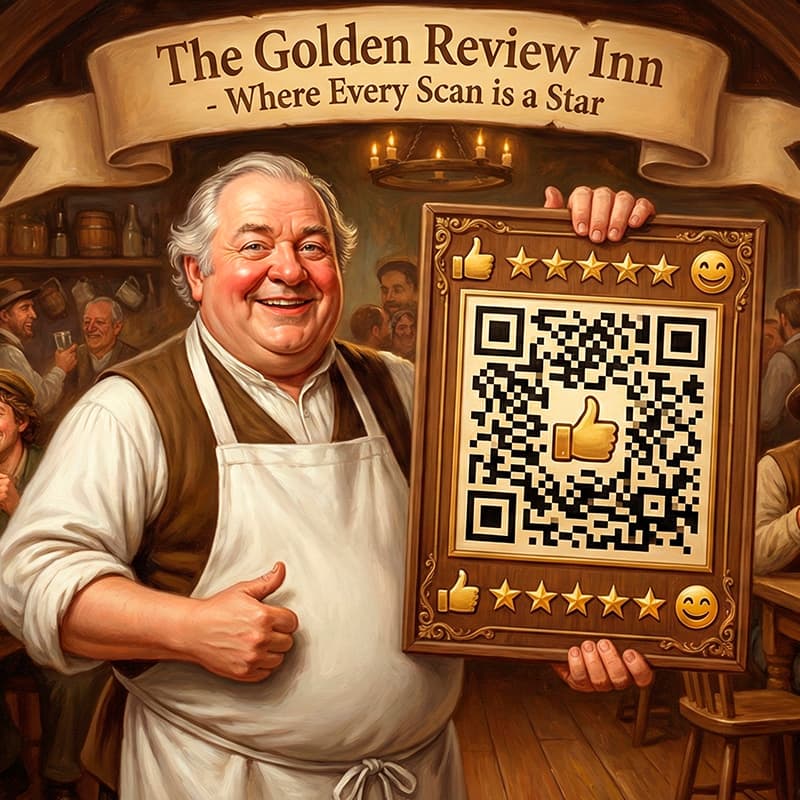
How to Create a Review QR Code
Generate your review QR code in 3 simple steps - takes less than 2 minutes
Get Your Review Link
Copy the direct link to your Google Business review page, Trustpilot profile, or any review platform. We will show you how to find it below.
Customize Your QR Code
Paste the link and customize colors to match your brand. Add your logo for a professional look that customers will trust.
Print & Collect Reviews
Download as PNG, SVG, or JPEG. Print on receipts, table tents, business cards, or display at checkout. Watch your reviews grow!
Estimated time · ~2 minutes
Powered by Fair-QR QR Code Generator. Generate unlimited QR codes with privacy-first processing directly in your browser.
Perfect placements for review QR codes
Strategically place your review QR codes where customers are happiest to maximize positive feedback.
Point of sale / checkout
Display at registers or checkout counters. Customers who just completed a purchase are primed to share their experience.
Receipts and invoices
Print your review QR code on receipts. Customers can scan later when they have time to write a thoughtful review.
Business cards
Add a review QR code to your business cards. Service professionals can hand them to satisfied clients.
Table tents and menus
Perfect for restaurants - place review QR codes where diners can scan while waiting for the bill.
Email signatures
Include your review QR code in email footers. After positive customer service interactions, they can easily leave feedback.
Product packaging
Add a review request inside product packaging. Customers opening their purchase are excited and ready to share.
The power of customer reviews
Build trust instantly
93% of consumers read reviews before buying. More reviews mean more trust, which means more customers choosing your business.
Improve search rankings
Google uses review quantity and quality as ranking factors. More positive reviews can help you appear higher in local search results.
Get honest feedback
Reviews help you understand what customers love and what needs improvement. Use insights to make your business even better.
Stand out from competitors
Businesses with more reviews and higher ratings win customers over competitors. Make it easy to collect those reviews.
Review QR Code FAQs
Common questions about QR codes for reviews
How do I get my Google Review link?
Search for your business on Google Maps or Google Search. Click on your business profile, then click the Reviews section. Click Share and copy the link, or look for a Write a Review button and copy that URL. This is the direct link customers will use.
What review platforms can I use?
Is it against Google policy to use review QR codes?
Where is the best place to display review QR codes?
Can I add my business logo to the review QR code?
How many reviews should I aim for?
What if I get a negative review?
Are review QR codes free?
Create your QR code now - free and without signup
For restaurants, events, marketing and everyday use. No signup, no hidden costs, no data collection. Create, customize, download - done.